Credential artwork prints best when you send Custom Creds a vector logo, a named color reference and a clean spreadsheet of names for any personalized badges. With those three pieces, the team returns a free mockup of your creds within 24 hours, you revise as often as needed, and production of lanyards, badges, reels and wristbands starts only after you approve.
Custom Creds can start a credential mockup from almost any logo file, but the cleanest results come from vector artwork: an AI, EPS, SVG or vector PDF exported from the program your designer used. Vector files keep sharp edges at any size, which matters because the same logo may appear tiny on a badge reel and stretched along a lanyard strap in the same order.
If all you have is a PNG or JPG pulled from a website, send it anyway. The team will tell you on the mockup whether the file is clean enough to print, and whether a redraw is needed before production. The mockup arrives within 24 hours, so you find out early rather than after the creds ship.
Along with the logo, a complete artwork package usually includes:
Vector logo files print better on lanyards and badges because they describe shapes mathematically instead of as a grid of pixels. A press can scale a vector logo up the length of a strap or down to a badge reel face without blurry edges, jagged curves or fuzzy text. A screenshot or social media avatar only holds enough detail for a screen, and it falls apart the moment it is enlarged.
The difference is most visible on two Custom Creds products. On woven lanyards, the logo is built from thread, so a soft, low-detail file gives the weaver nothing crisp to follow. On printed badges, small text and thin outlines from a raster file can look smudged next to sharp printed names.
If your organization does not have a vector logo, ask whoever designed the brand mark, or check old print jobs such as signage, banners or business cards. Printers often kept the original file. When none exists, the mockup stage is where Custom Creds will flag it, so you can decide how to proceed before anything is produced.
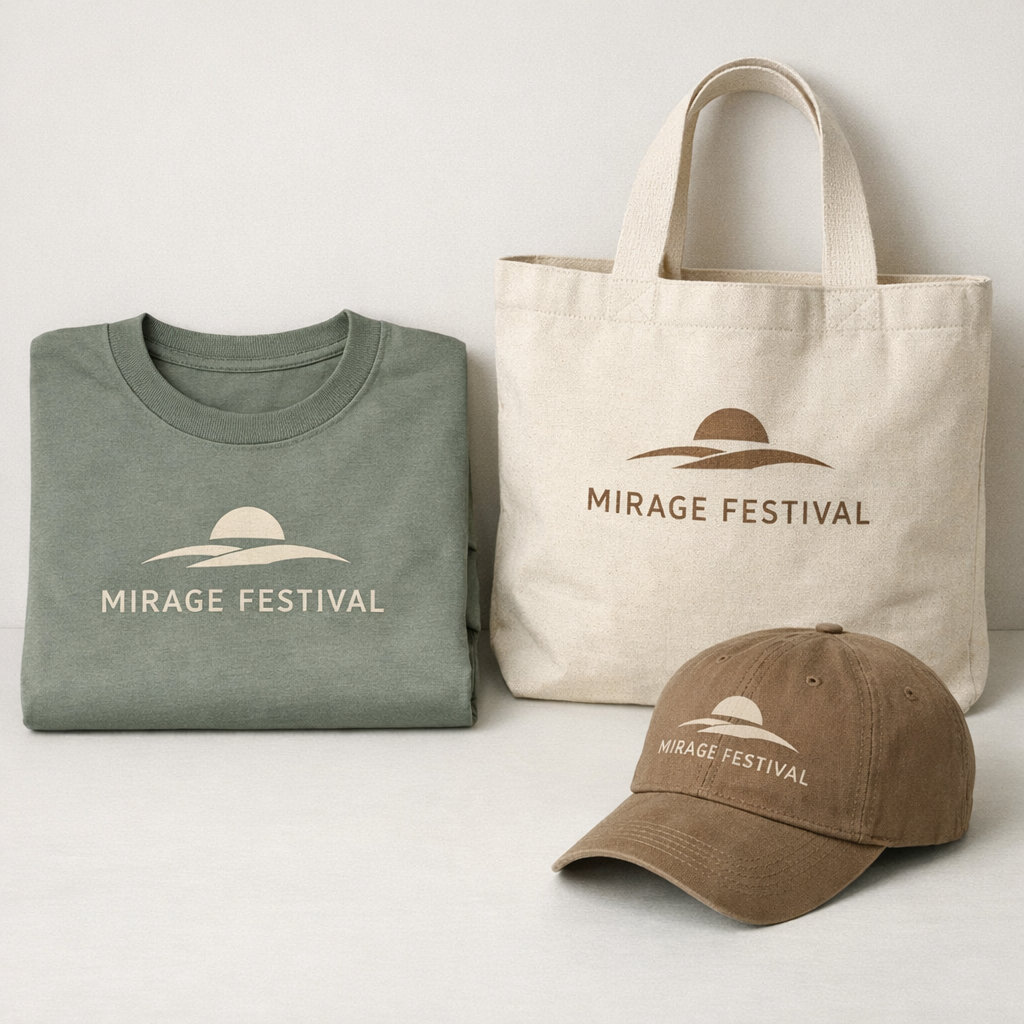
Brand colors stay consistent across lanyards, badges and wristbands when you give Custom Creds a named color reference, such as a Pantone match from your brand guide, instead of asking the team to sample a color from a photo or a screen. Screens show color differently from one device to the next, so a reference is the only reliable target.
Each credential product also takes color in its own way, which is worth knowing before you approve a mockup:
| Credential item | How color is applied | What to expect |
|---|---|---|
| Screen-printed lanyard | Solid inks on a dyed strap | Strong solid colors; best with a limited palette |
| Dye-sublimated lanyard | Full-color print into the fabric | Gradients and photos work; color sits slightly softer |
| Woven lanyard | Colored threads | Closest thread match, raised texture, simple shapes win |
| Printed badge card | Full-color print on card stock | Sharpest detail and the easiest place for exact color |
| Wristband | Print or color on band material | Band color does a lot of the work; keep artwork bold |
If one item must match another exactly, say so in your quote request. The mockup will show the colors side by side, and you can request changes through unlimited free revisions until the set looks unified.
A name list for personalized event badges should be a simple spreadsheet with one row per person and one column per field that prints: first name, last name, title, company or team, and the credential tier or access color. Custom Creds merges that sheet into the badge layout, so every badge in the run can carry different details without splitting the order.
Small habits in the spreadsheet prevent most personalization errors:
If your registration list is still changing, plan a cutoff. Many planners send the bulk of names first and keep a set of blank or role-only badges for late arrivals. Our guide on custom badges and passes covers which layouts handle long names and titles best.
Lanyard artwork should carry the repeat brand elements that are seen from a distance, while the badge carries the details that are read up close. A lanyard is narrow and long, so it suits a logo, a short event name or a color code repeated along the strap. A badge has room for names, roles, schedules, a map hint or a QR code that staff scan at the door.
Splitting the information this way keeps both items readable. Crowding a full event title, a sponsor row and a tagline onto a custom lanyard shrinks every element until none of it reads. Moving the sponsor row or tagline to the badge back usually fixes it.
When in doubt, send everything and let the mockup show you the balance. Moving an element between items costs nothing at the proof stage.
The most common credential artwork mistakes are low-resolution logos, fine text that is too small to print cleanly, colors chosen from a screen, and name lists with typos baked in. Each one is easy to fix at the mockup stage and expensive to discover after a box of creds arrives at the venue.
Watch for these before you approve:
Custom Creds reviews artwork before mockups go out and will point out problems, but you are the final approval. Read the proof slowly, ideally on a large screen.
The proof and approval process for credential artwork starts when you send files through the quote form. Custom Creds returns a free digital mockup within 24 hours showing each item in your order with your logo, colors and sample personalization in place. You request changes as often as you need through unlimited free revisions, and you pay nothing until you approve the design.
The minimum order is 12 creds, so even a small team can go through the full proof process before committing. You can read the full order flow on the how it works page, and if you are still choosing formats, see our comparison of wristbands vs lanyards.
Custom Creds can review a blurry logo for lanyard printing and tell you on the mockup whether the file will print cleanly. If it will not, the team will explain what a redraw involves before anything is produced. Sending the best available version, even a soft one, lets the mockup start within 24 hours while you search for an original vector file from your designer.
Credential artwork text should be converted to outlines when a designer sends editable files, because outlined text locks the typeface into the file. Without that step, a missing font can be swapped for a default one and change how your event name looks. Outlined text is not needed for personalized badge names, which are merged from your spreadsheet into the layout.
A badge design can use a photo or a gradient background, since printed badge cards handle full-color artwork well. Keep names and titles on a calm area of the image so they stay readable at arm's length. Custom Creds will show the background on the mockup with your longest name in place, so you can judge contrast before approving the printed badges.
Sponsor logos for event lanyards should arrive as separate vector files, one per sponsor, in the versions each sponsor has approved. Include any rules a sponsor gave you about color, spacing or order. Custom Creds places the sponsor marks on the lanyard mockup so you can share it with sponsors for sign-off before production starts, which avoids disputes once the creds are delivered.
Different credential tiers can share one master artwork file, with only the tier color and label changing between staff, VIP, press and guest versions. Custom Creds builds the variations from that single design, which keeps the set looking unified while still letting security spot access levels quickly. Name the tiers in your spreadsheet so each person lands on the correct version automatically.
Light or bright artwork works best on dark lanyard straps, such as a white or pale yellow logo on navy or black. Mid-tone colors on a dark strap tend to vanish under event lighting. Custom Creds can show the same logo on two or three strap colors in the mockup, so you can compare contrast side by side before choosing the final lanyard color.
QR codes can be printed on custom event badges, either one shared code for an agenda page or a unique code per attendee merged from your registration list. Give each code enough clear space and print it on the badge front or back where staff can scan it easily. Custom Creds will place sample codes on the mockup so you can test scanning first.
Woven lanyard artwork usually needs some simplification because the design is built from threads rather than ink. Bold shapes, short words and a few solid colors weave cleanly, while gradients, fine outlines and tiny lettering lose detail. Custom Creds will flag elements that are too fine on the woven lanyard mockup and suggest a simpler version that keeps your brand recognizable.
Credential mockups should be proofread by at least one person who did not prepare the artwork or the name list, because fresh eyes catch typos the author skips. Ask someone who knows the event to check names, dates, sponsor spellings and tier colors. Custom Creds keeps revisions free and unlimited, so a second reviewer adds safety without adding cost to the order.
Credential artwork can be sent before your name list is final, and starting early is usually smart. Custom Creds can mock up the lanyard, the badge layout and the tier designs with sample names, then merge the real spreadsheet once registration closes. Approving the design first means the final step only involves checking names, which keeps the about 2 weeks turnaround on track.
Badge reels carry simple logos best, since the reel face is small and fine details blur at that size. A logo mark, icon or short initials usually reads better than a full wordmark with a tagline. Custom Creds can show both versions on the badge reel mockup, so you can see which one stays clear before approving the order alongside lanyards and badges.
Send your logo or idea and the quantity you have in mind. Custom Creds returns a free mockup within 24 hours, you approve the design before anything is produced, and standard turnaround is about two weeks with faster options available. Get a custom quote.